Pricing groups
In eGrow Connect, pricing groups provide a way to offer different levels of pricing to customers. Many nurseries offer discounts to new customers, loyal customers, or want to apply graduated pricing discounts with higher quantity orders. These are all done in eGrow Connect using pricing groups.
Note: Pricing groups are typically established during onboarding with eGrow Connect, but you can also make adjustments later on.
First pricing groups are named and added up in  System Setup > Items > Pricing Group. Then each item in the Item Sizes Library is assigned a price for each pricing group. Consider a few examples.
Percentage-based Pricing Groups
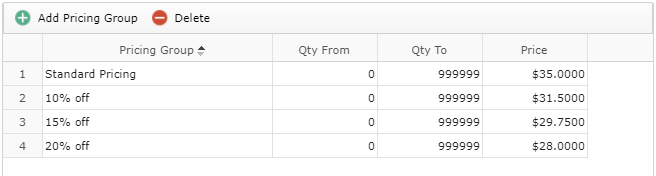
Pricing groups may be based on percentage discount pricing (10% off, 15% off, etc.)
Leveled Pricing Groups
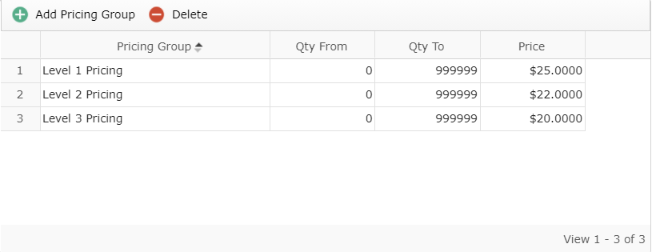
Or you may choose to use leveled pricing groups which don’t use percentages to determine prices.
Graduated Pricing for larger quantity orders
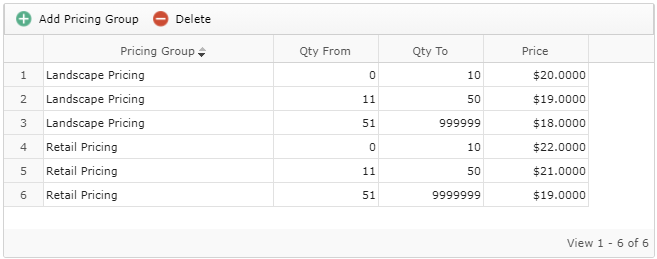
You may also choose to add graduated pricing within each pricing group based on the quantity ordered.